
PRODUCT TOUR
Excubio in action.
Real views from the Excubio Hub and Cloud UIs — showing how an incoming alert is correlated, explained, routed through reviewed spec and acknowledged by the person on call.
HUB · ALERTS & EXPLANATION
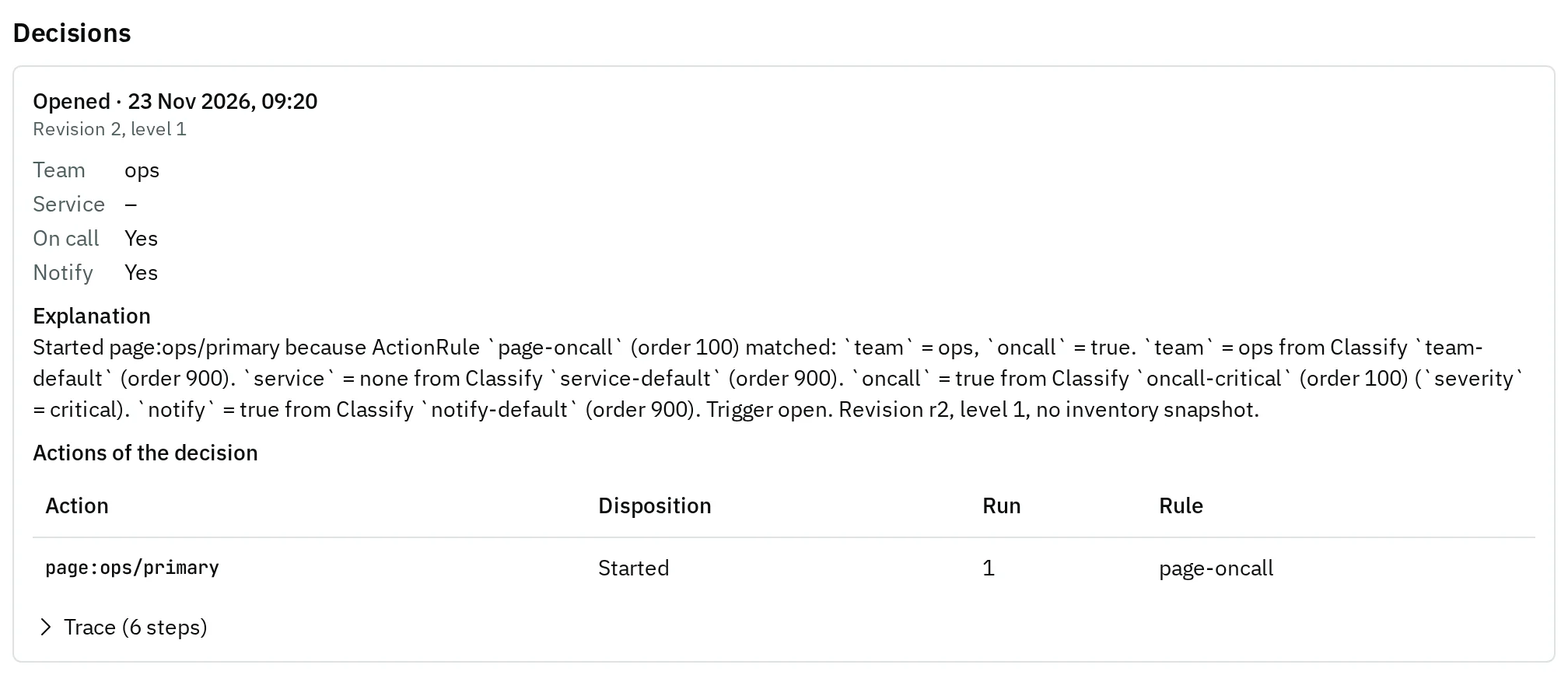
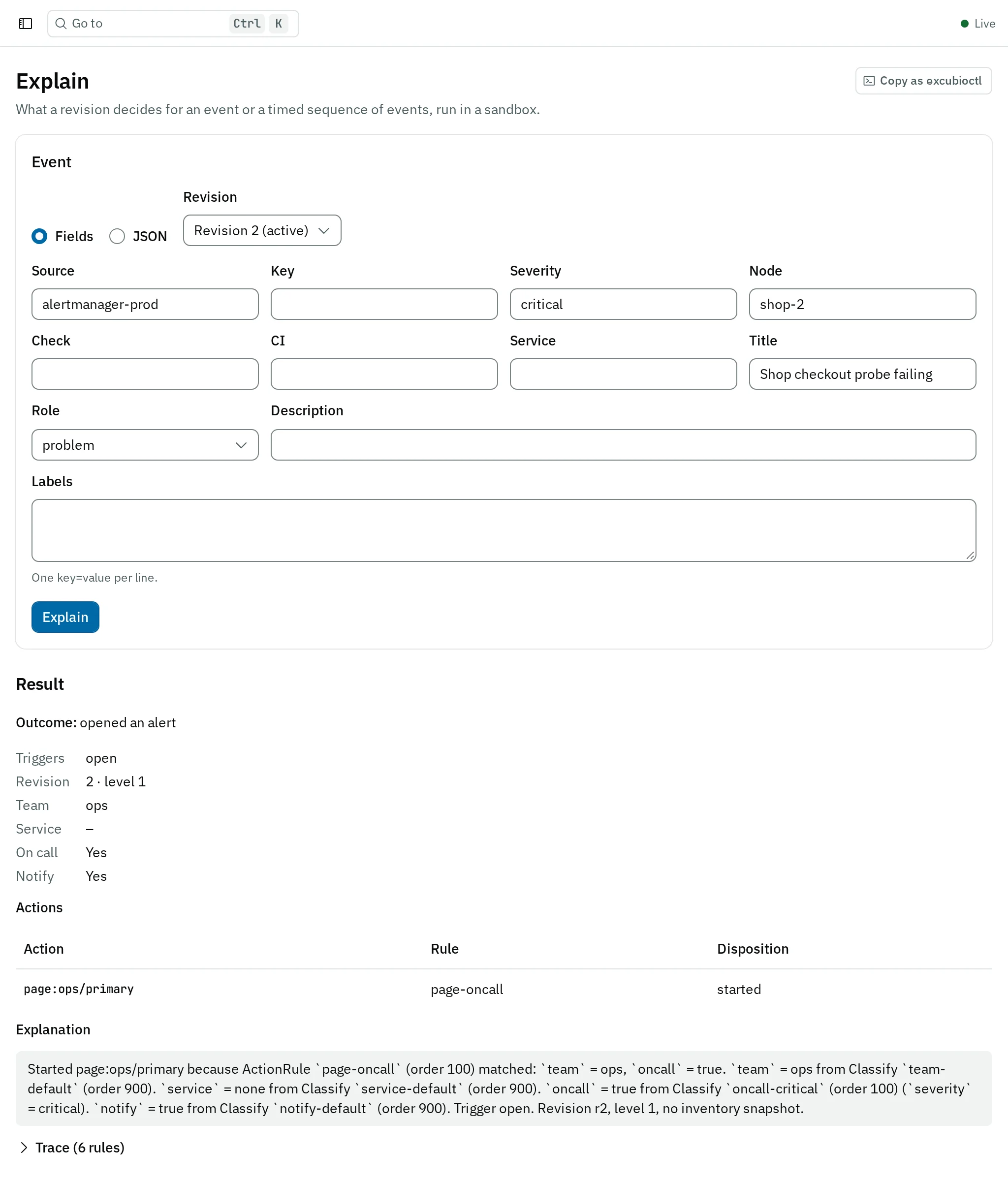
Every alert carries its routing trace.
Operators see open alerts grouped by team, service or node — and can open the exact decision record showing which spec revision, inventory snapshot and rule fired. Explain previews what the active spec would do with any event.
Read the pipeline & explanation reference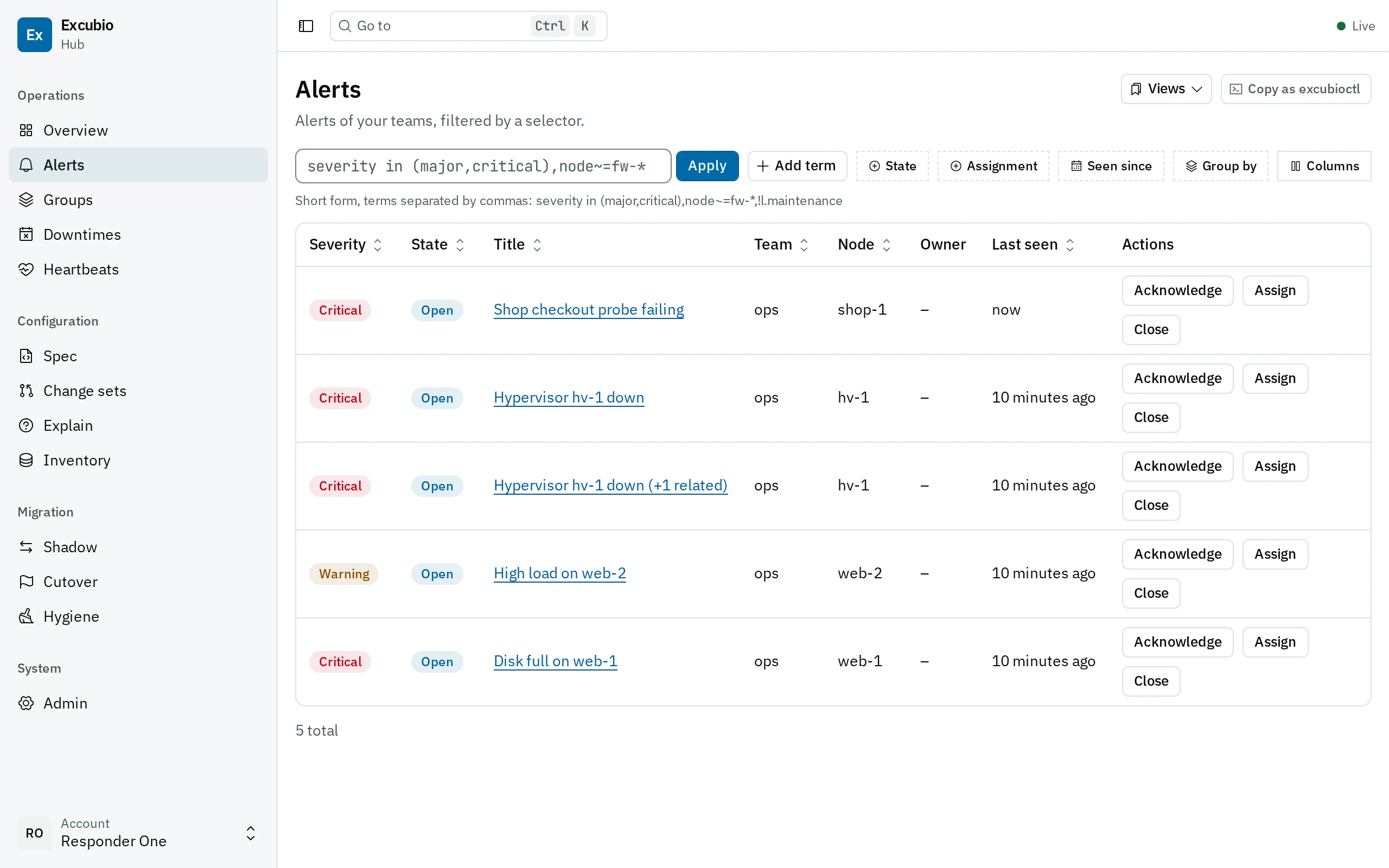
HUB · REVIEWED SPEC
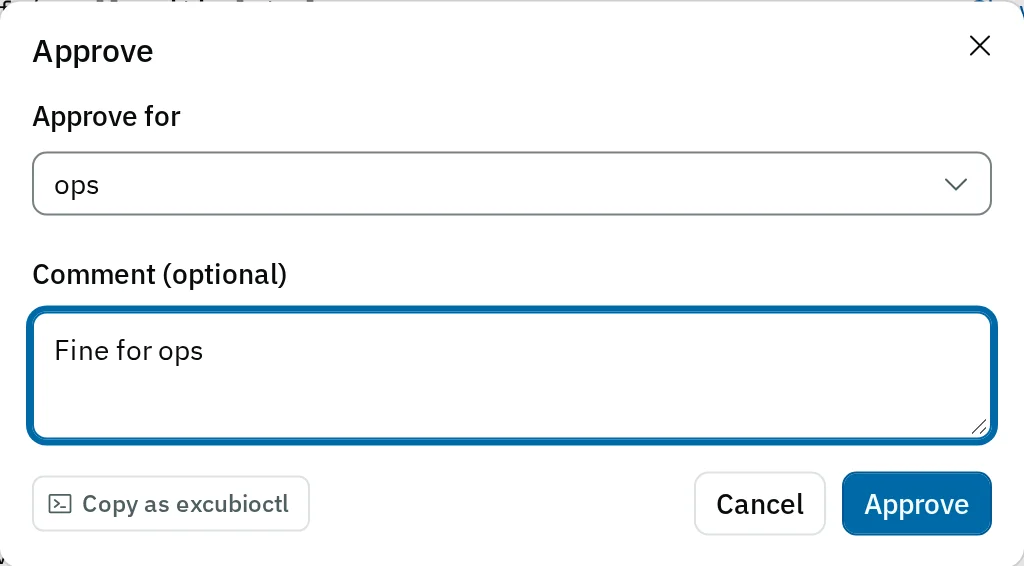
Routing changes require tests, replay and team approval.
Sources, Classify rules, CorrelationPatterns and ActionRules live in one typed spec tree. Every edit goes through a change set that runs validation, unit tests and history replay — and asks the affected teams to approve before merge.
Read the spec & change set reference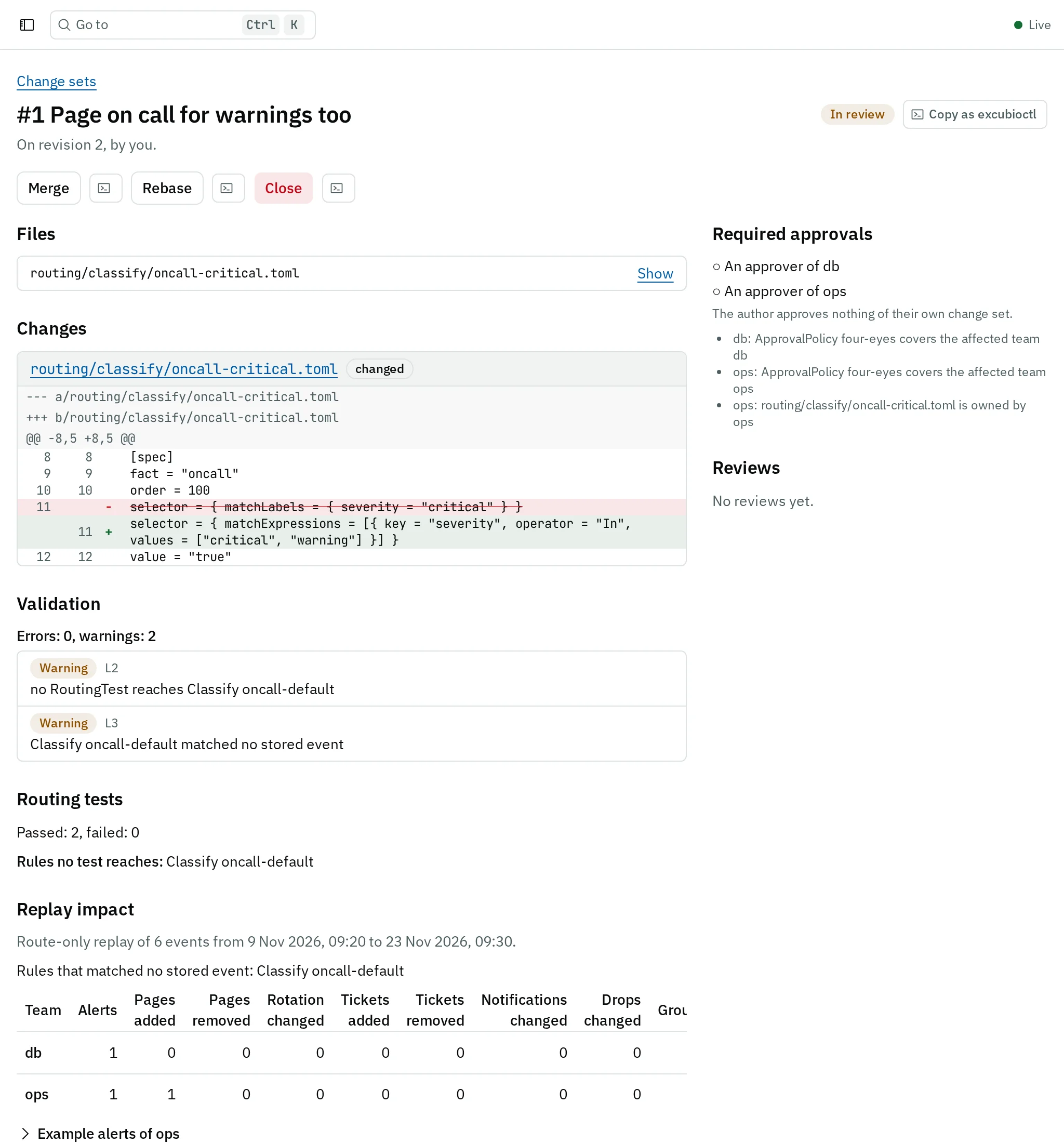
HUB & CLOUD · INTAKE
Connect existing monitoring without rewriting senders.
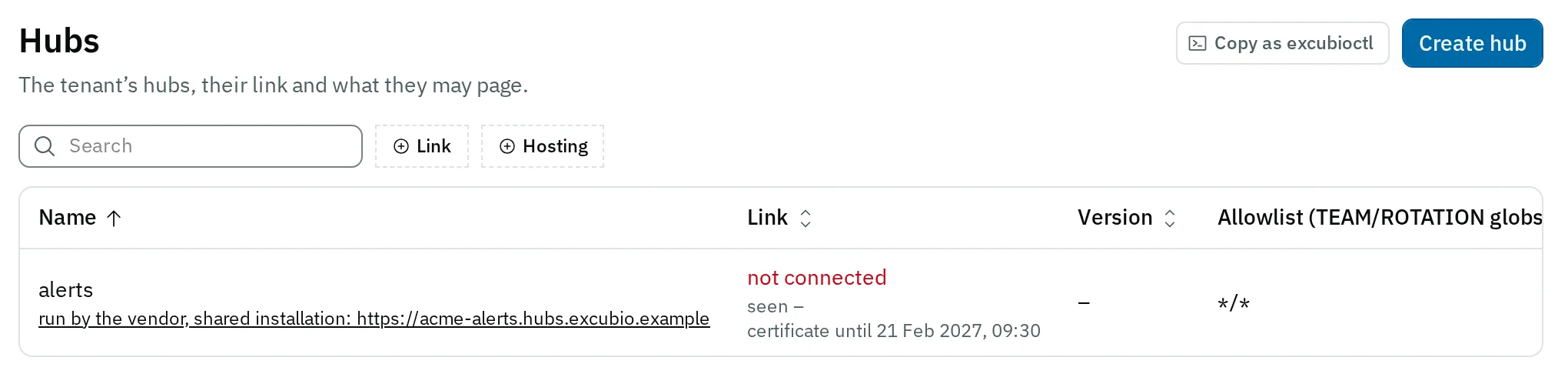
Define Sources for Alertmanager, Grafana, Icinga, SNMP traps, syslog, e-mail, opcmsg or OBM REST inside the spec, and manage self-hosted or managed hubs from one cloud overview.
Read the get-started guides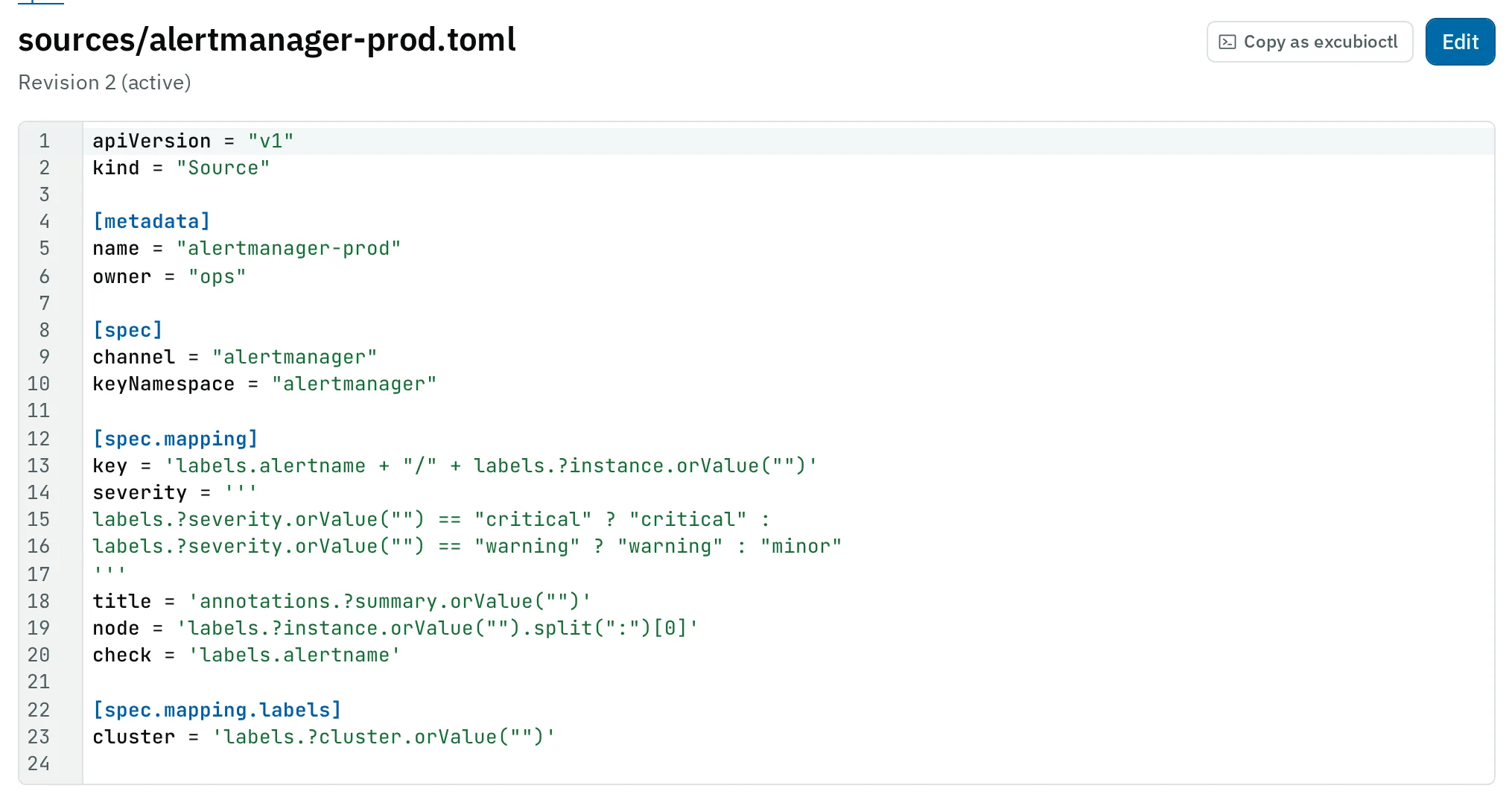
CLOUD · ROTATIONS & INCIDENTS
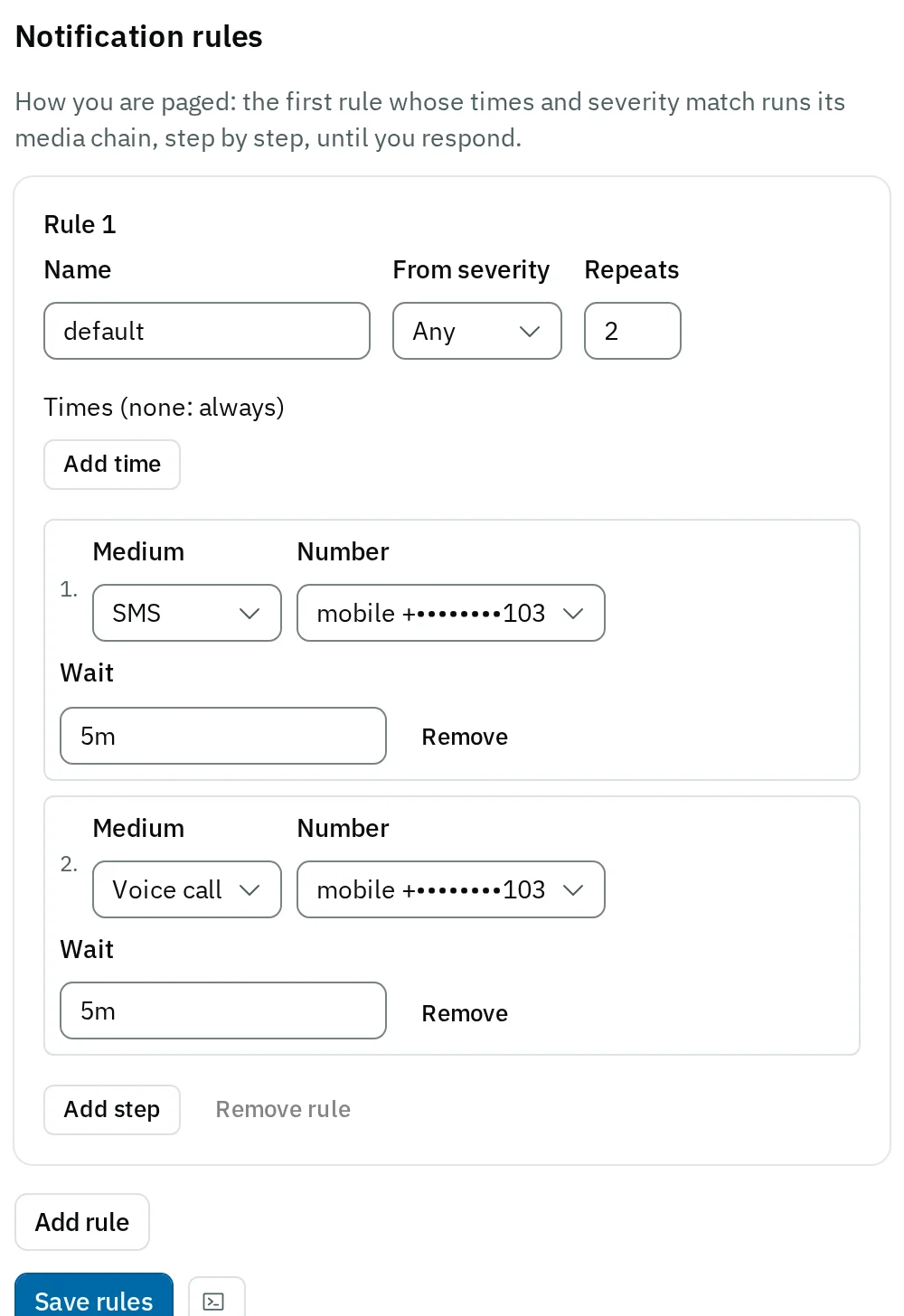
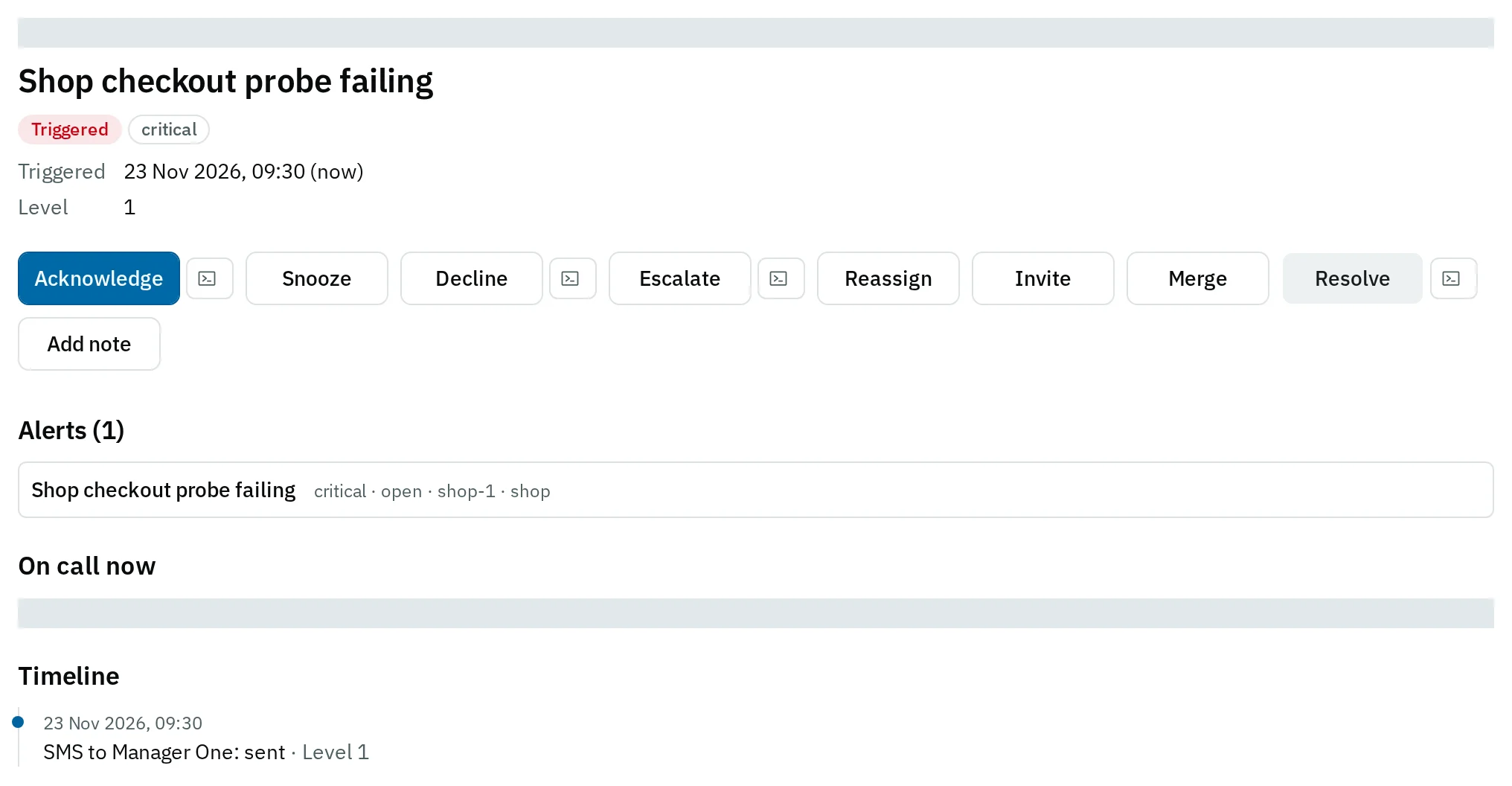
Clear shifts, personal notification rules and auditable acks.
Teams manage rotations with layers, overrides, swaps and absences. Each person sets up to three notification rules by time of week and severity, ending in SMS or voice — and acknowledges via SMS reply, phone keypad or mobile web link.
Read the on-call reference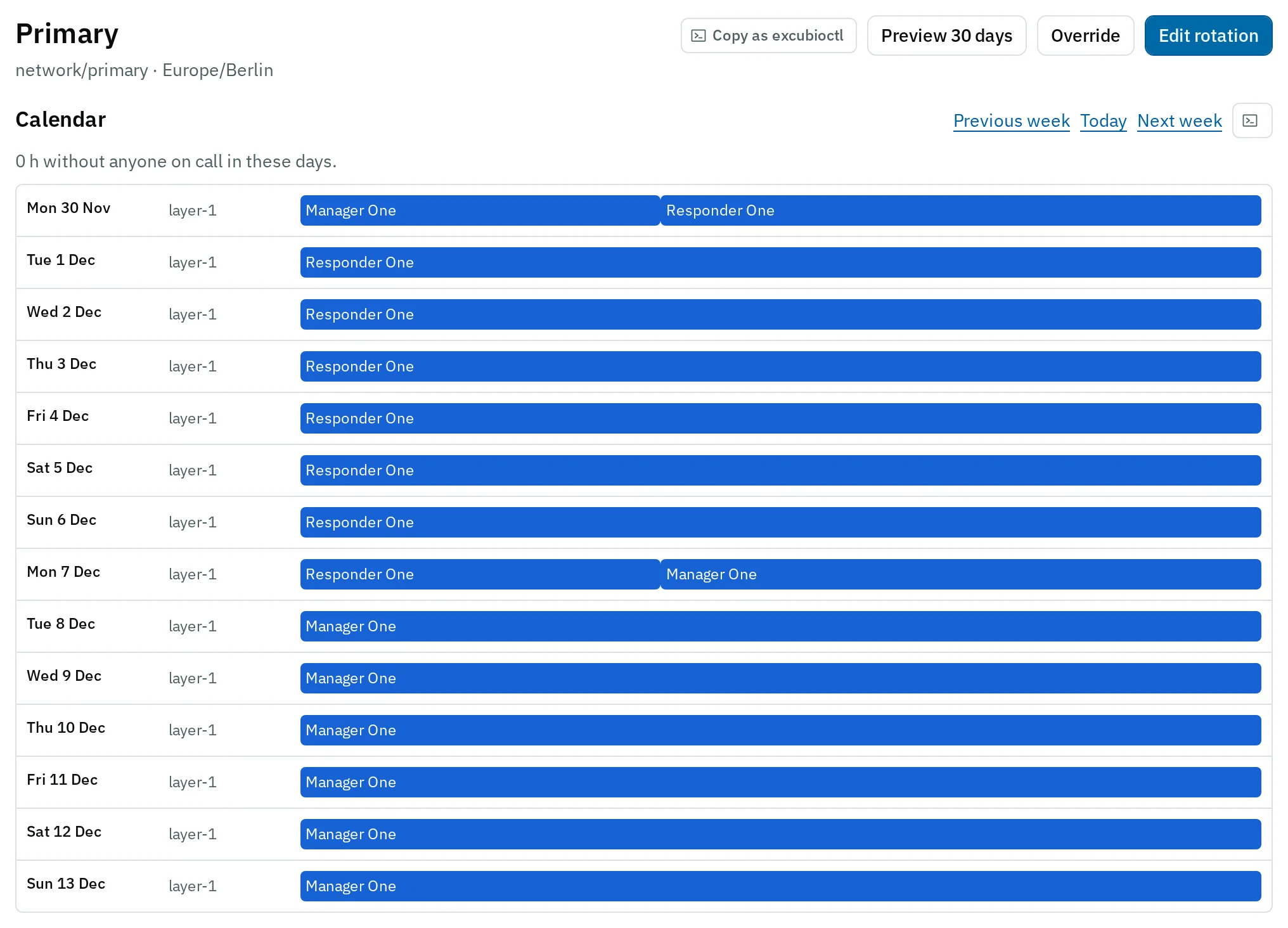
Want to walk through Excubio with your own alert examples?
Tell us which monitoring tools and on-call setups you run today — we will walk through the hub, cloud and migration path together.